SolarX Connect - Air
For urban and commercial sites where stable WiFi or broadband is already available. The most cost-effective model.
- Lowest hardware cost
- Best for city rooftops
- Uses existing internet
 SolarX Connect
SolarX Connect is a hardware logger plus web app for dealers, EPC teams and plant owners. Pick WiFi, 2G SIM or 4G SIM hardware, connect it to the inverter, and monitor production, faults and reports from anywhere.
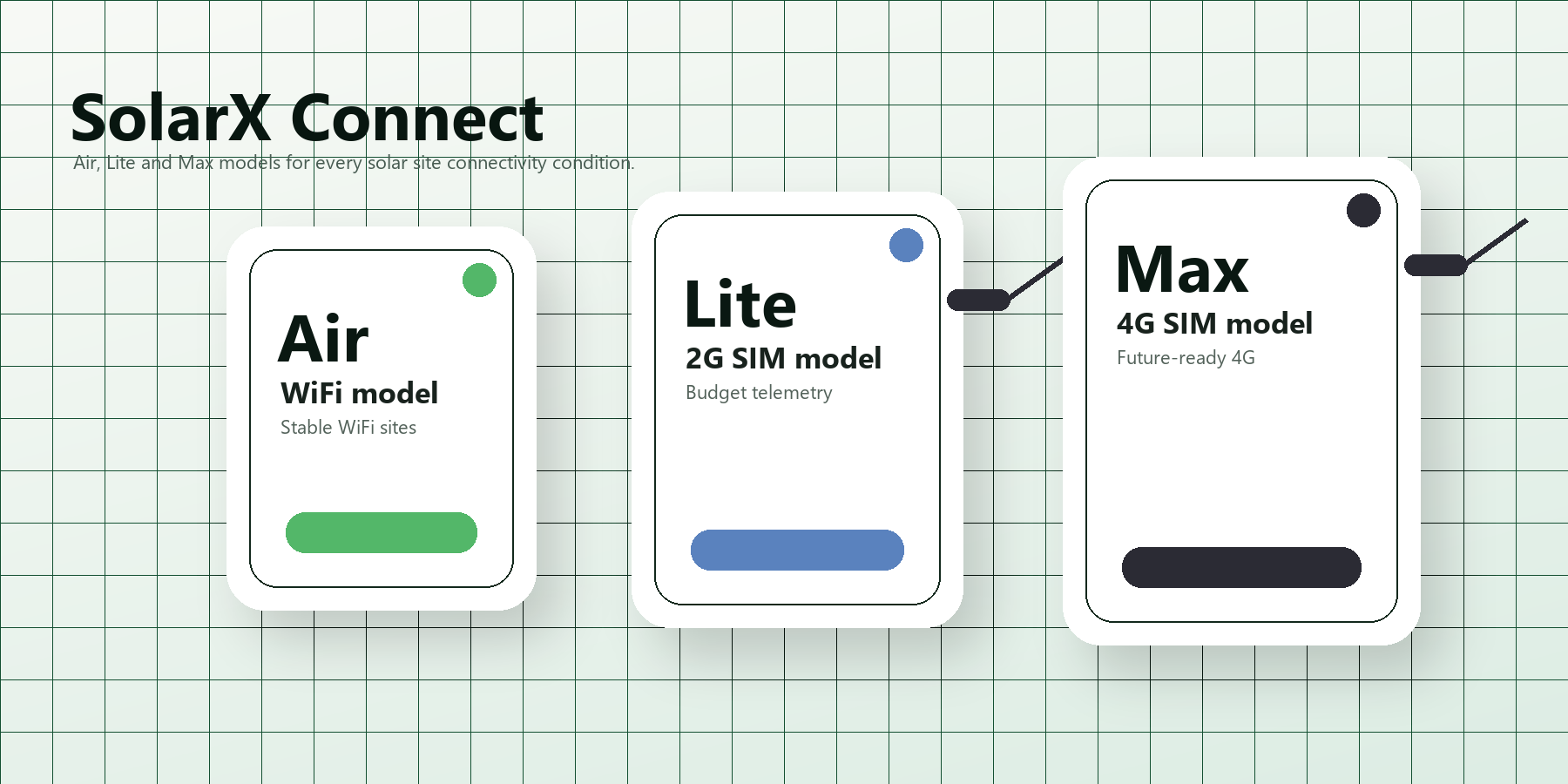
For urban and commercial sites where stable WiFi or broadband is already available. The most cost-effective model.
For rural and semi-urban locations where budget is tight and basic telemetry upload is enough.
Future-proof connectivity for remote, government and industrial projects where 2G sunset risk is unacceptable.
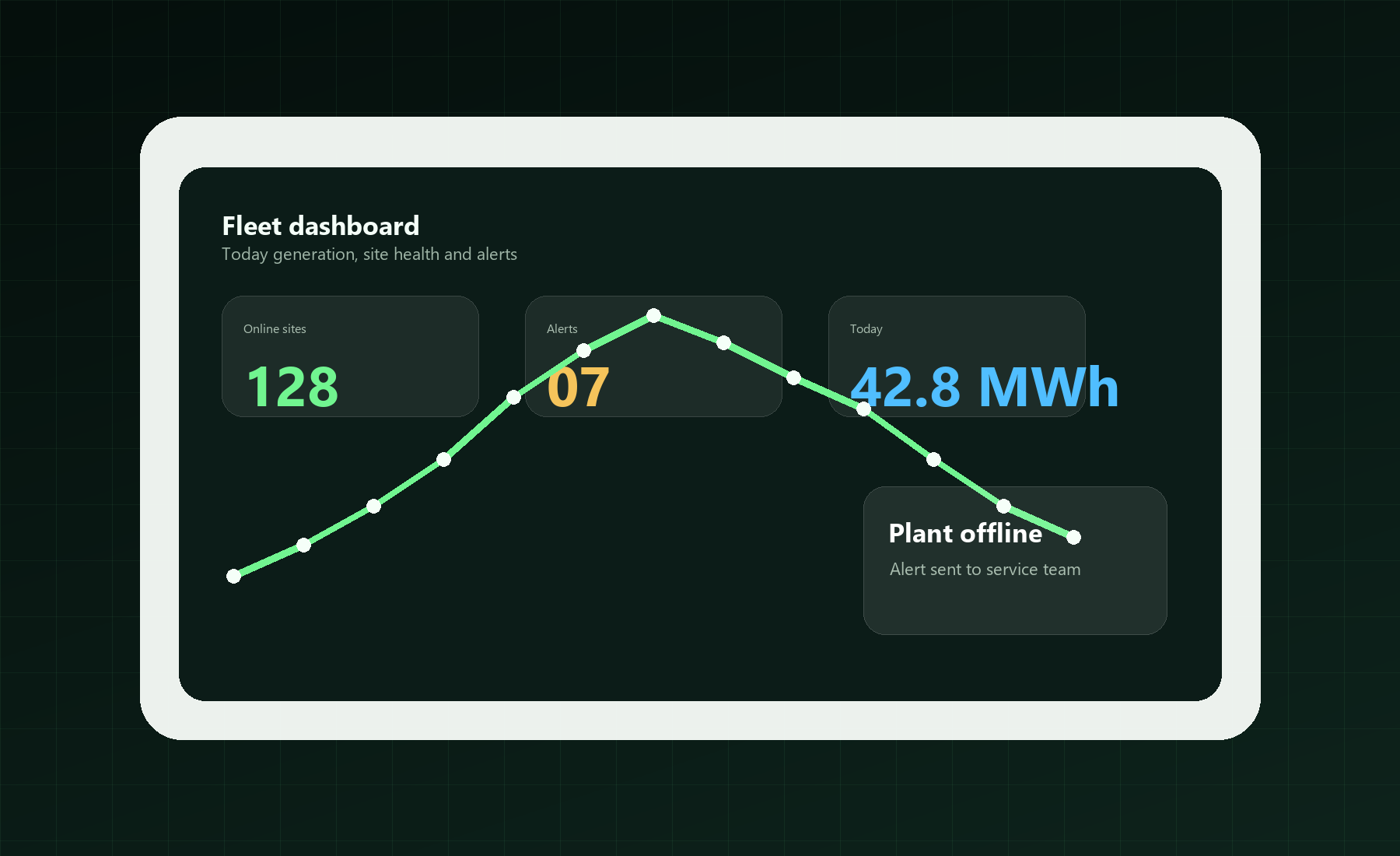
Current power, daily energy, inverter status and last update time for every site.
See offline devices, abnormal status and site problems before the customer complains.
One login to manage many customers, sites and installed loggers.
Daily and monthly production history for customer follow-up and AMC support.
Give plant owners a clean view of their own site without exposing dealer tools.
Update configuration, push firmware and reduce unnecessary field visits.
Install the logger with the inverter communication line and select the right connectivity model.
Assign the device to a site, customer and inverter profile so the dashboard understands the data.
Dealers and EPC teams track production, offline status, alerts and service history from the web app.
Use the installation story to explain where SolarX fits: inverter room, rooftop site, dealer support desk and customer dashboard.
Customers see value immediately: live data, fault alerts, reports and remote support. Dealers see a product they can sell and service repeatedly.
See total sites, online/offline devices, active alarms and production summary immediately after login.
Keep customer, location, installed capacity, inverter model and logger serial tied together.
Prioritize offline, stale and faulted sites so support teams do not depend on phone calls.
Customers see their own site. Dealers see assigned customers. Admins manage the full network.
Download useful production history for AMC review, monthly reporting and customer communication.
Keep field loggers updated without replacing hardware or repeatedly visiting sites.
SolarX turns a normal inverter installation into a managed service. The customer gets transparency. The dealer gets repeat support business. The EPC team gets a practical way to watch many plants after handover.